
Doc2Audio
Turn any document, screenshot, or text into a natural voice — with the reference codes stripped out. On any device, in many languages.





Turn any document, screenshot, or text into a natural voice — with the reference codes stripped out. On any device, in many languages.
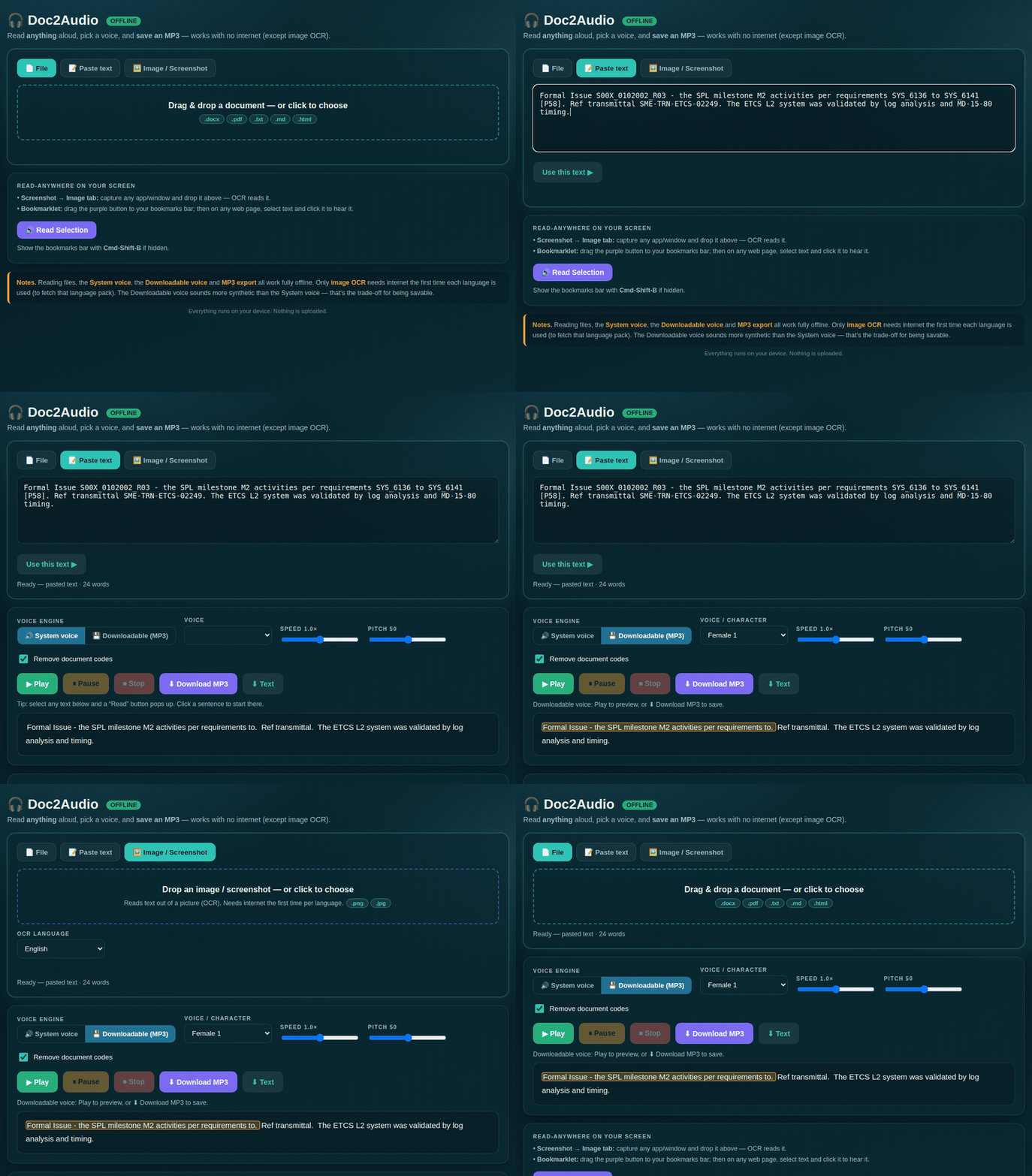
A short clip of the audio Doc2Audio generates.
Paste text or drop a screenshot — the reference codes and clutter are removed automatically, then it reads aloud.
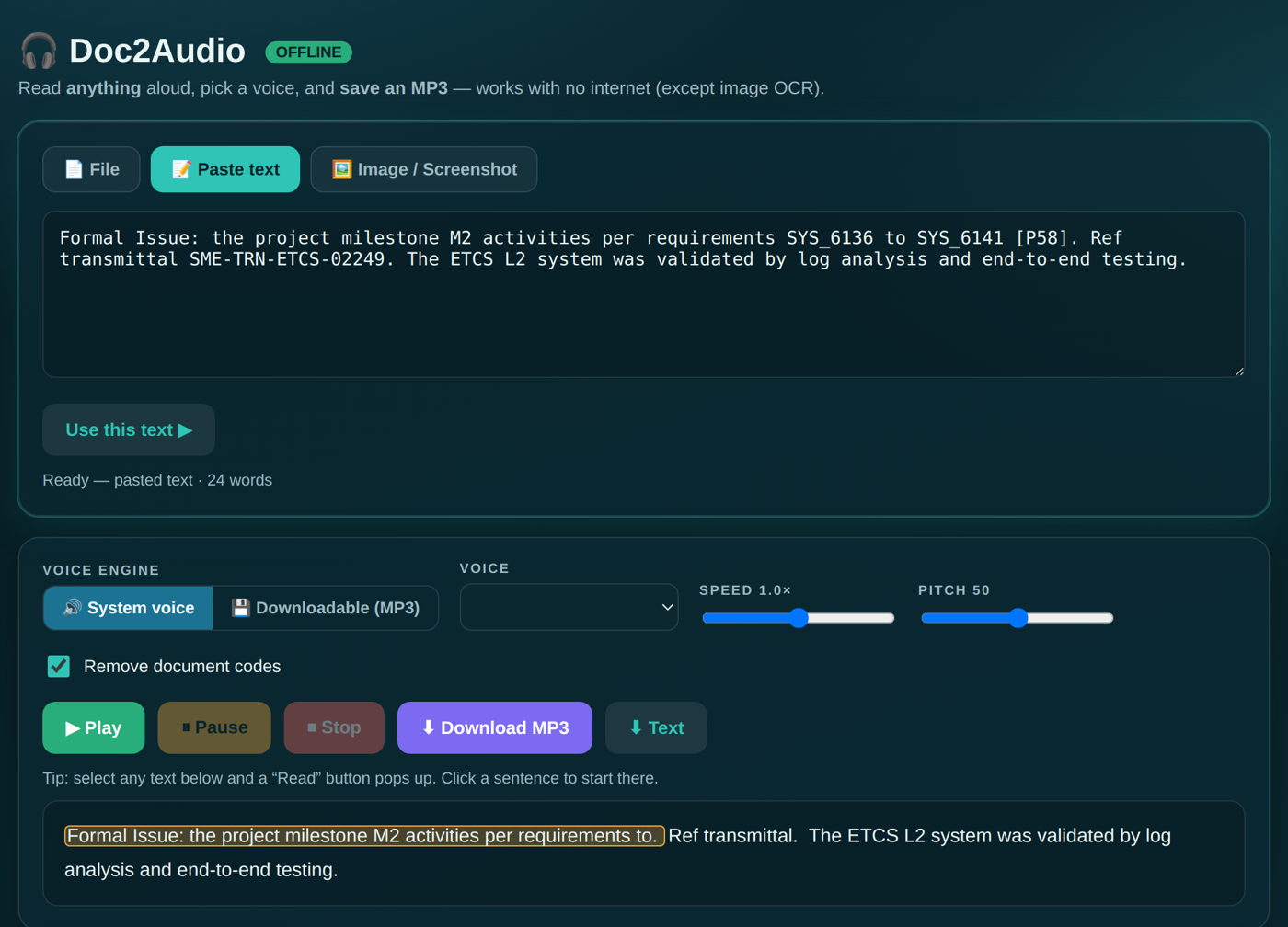
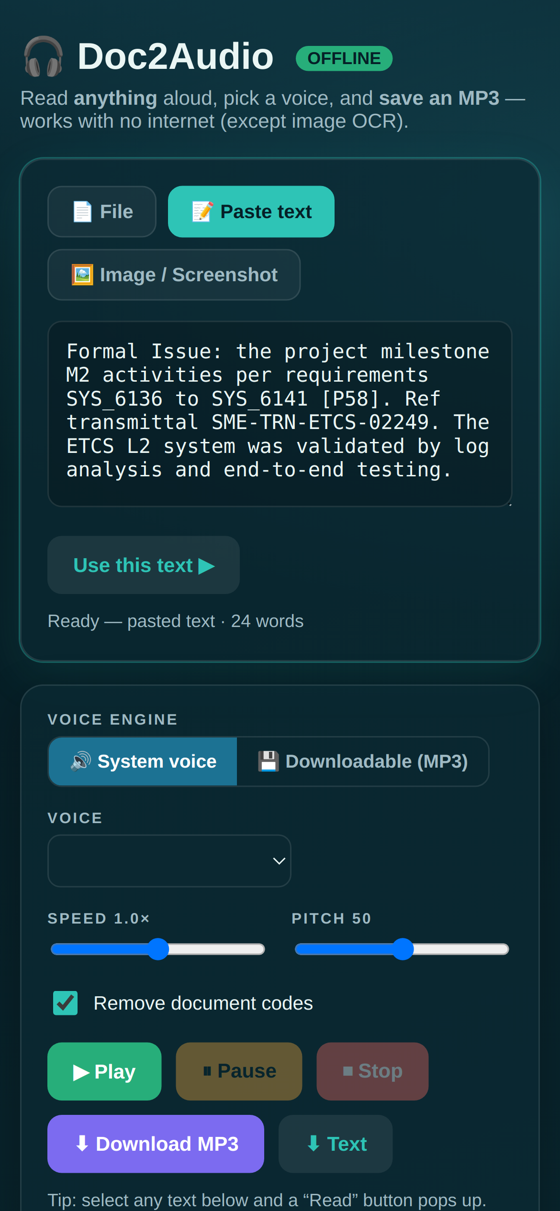
Built to make dense technical documents easy to listen to.
Word, PDF, text, pasted content, or an image/screenshot via OCR.
Removes reference numbers, requirement IDs and transmittals — keeps the meaning.
Reads and speaks Telugu, Hindi, Tamil, Kannada, English and more.
Export the narration and listen on the move, offline.
Runs on your device — nothing is uploaded.
Add it to your phone’s home screen and use it like a native app.
Drop a file, paste text, or drop a screenshot.
Choose a language and voice; codes are stripped automatically.
Play it aloud or download the MP3.
One project, five ways to use it.